
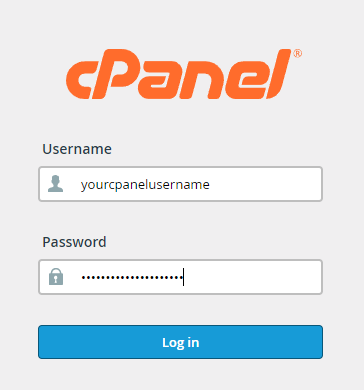
To login to your cPanel account, you can login via
- https://yourdomain.com.au/cpanel (your actual domain) or;
- via MyToolbox.
Your cPanel username and password would have been sent to you in the email when you signed up with us, subject titled “New Account Information“. If you have misplaced this email, please contact us and we are happy to resend you this email.
Before contacting us
Please make sure that you are officially listed as an authorised account holder on your account. We cannot provide login information to individuals who are not the account owner or designated as authorised users on the account.
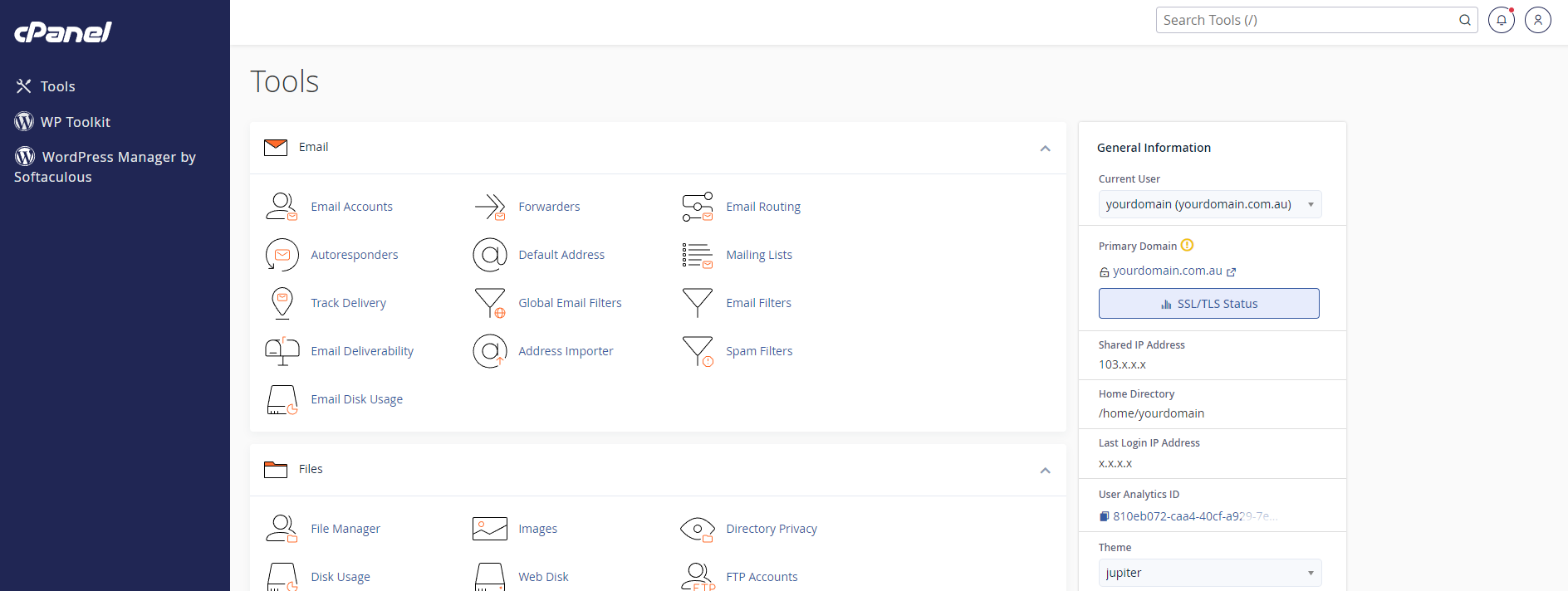
Once logged into cPanel, you should see a management area where you can manage all aspects of your web hosting service.
How to log into cPanel through MyToolBox
You can also log into your cPanel through your MyToolBox on our website.
To login to your customer toolbox, please go to our website https://www.perthwebhosting.net.au/ and select the MyToolBox link in the top left hand of your screen

You can login using the email address you provided when you signed up for your service. Your password would have been sent to you in an email titled “New Account Information”.

Once logged into MyToolbox, you should be presented with information about your services and products,
To log into cPanel, click on the button labelled “Log in to cPanel“

You should now be logged into cPanel.